
B3OS Walkthrough
Automating Aerodrome LP Rewards with B3OS
Stop missing out on your Aerodrome emissions and rebases. Learn how to use B3OS to build an evergreen workflow that claims your LP rewards on a schedule you control.
Matched Template
Start with Aerodrome: Auto Rewards Claimer.
This tutorial maps directly to a real B3OS template. Open it to inspect the workflow canvas, node sequence, and integration path before adapting it to your own process.
Liquidity provision on Aerodrome is a staple of the Base ecosystem, but keeping up with manual claim cycles for veNFTs, emissions, and rebases can be time-consuming. For operators managing multiple positions, missing a claim window often means leaving yield on the table. B3OS provides a no-code path to automate these routine wallet operations, ensuring your rewards are claimed consistently without manual intervention.
Watch the original B3OS video tutorial on YouTube.
What you will learn
- Automate repetitive Aerodrome LP reward claims to avoid missing emissions.
- Use B3OS templates to set up workflows in minutes with no code.
- Integrate notification channels like Telegram or Slack to stay informed on claim status.
- Customize your claim schedule using the B3OS agent, Caddie.
- Maintain an evergreen workflow that runs until you decide to turn it off.
The Challenge of Manual LP Management
Managing liquidity positions requires constant attention to claim schedules. Whether you are tracking veNFT emissions or general LP rewards, the manual process of checking your wallet and executing transactions is prone to human error and missed opportunities.
By moving these tasks into a repeatable workflow, you shift from manual execution to oversight. B3OS allows you to standardize this process, turning a recurring chore into an automated, evergreen system that runs in the background.
Using Pre-Built Templates for Aerodrome
B3OS simplifies the setup process through templates specifically designed for Aerodrome. Instead of building from scratch, you can select the Aerodrome auto-rewards claimer template to get started immediately.
The template provides the core logic required to interact with Aerodrome contracts. Users simply need to define the target wallet holding the LP positions and configure their preferred notification channel, such as Telegram, Slack, Discord, or email, to receive status updates.
Configuring Your Claim Schedule
By default, the Aerodrome template is configured to run on a weekly schedule, specifically Wednesdays at 10pm EDT. This ensures that rewards are captured regularly without needing to remember specific claim windows.
If your liquidity strategy requires a different cadence, B3OS allows for easy adjustments. You can interact with Caddie, the B3OS agent, to modify the workflow schedule to better align with your specific operational routine.
Publishing and Monitoring Your Workflow
Once your wallet, notification preferences, and schedule are set, you can publish the workflow directly to the B3OS environment. Once live, the workflow operates autonomously.
Because B3OS tracks run history, you can verify that your claims are executing as expected. If you need to pause or update the logic, the platform provides the necessary controls to manage your active workflows evergreen.
Workflow ideas to try in B3OS
- Weekly LP Reward HarvestingAutomatically trigger a claim transaction for Aerodrome rewards every week and receive a confirmation via your preferred messaging app.
- Multi-Wallet Reward AggregationDeploy multiple claim workflows across different wallets to ensure all your LP positions are being harvested simultaneously.
- Threshold-Based AlertsConfigure your workflow to notify you only when rewards exceed a specific value, allowing for more strategic claim timing.
Frequently asked questions
Do I need to write code to use the Aerodrome template?
No, B3OS is a no-code platform. The Aerodrome template is pre-built, allowing you to configure it by simply selecting your wallet and notification preferences.
Can I change the default claim schedule?
Yes, you can modify the schedule at any time by asking Caddie, the B3OS agent, to update the workflow parameters.
Which notification channels are supported?
B3OS supports several common notification channels, including Telegram, Slack, Discord, and email, to keep you updated on your workflow's performance.
Related Templates
Start from a workflow instead of a blank canvas.
Clanker: Claim Rewards Recurrently
This workflow will run on a specified cadence, check a specified Clanker token contract to determine if the token has earned any fees, and then triggers the claim mechanism, delivering fees to the relevant recipient wallet.

Aerodrome: Whale Swap Alert
This workflow monitors a specified whale wallet and tracks if they sell or swap any ERC-20 token on Aerodrome.
Trading: Recurring Cross-Chain Swaps to Any Wallet
Swaps tokens across chains on a schedule you set.
Clanker: Auto-take profit or stop loss on positions
Watches your open Clanker snipe positions and auto-sells the moment your take-profit or stop-loss threshold hits.
Automated Stop-Loss Manager for Polymarket
Periodically checks market positions and automatically closes any assets that fall below a predefined price threshold.
Payments: Bulk Pay Crypto to a List of Wallets
This workflow runs payment from a Google Sheet.
Morpho: LTV Alerts + Repay
Watches every Morpho Blue borrow position you have on the chosen chain.
Polymarket: BTC News Trader
Monitors a curated list of top crypto Twitter/X accounts for breaking BTC news, uses an AI model to classify each tweet as bullish/bearish with a confidence score, then auto-bets on the next Polymarket "Bitcoin Up or Down" market when the AI is confident enough.

Talk to one of our founders.
Bring any onchain process you want automated, our founders will help map where B3OS can take over.
Related Tutorials
Keep building from the next walkthrough.
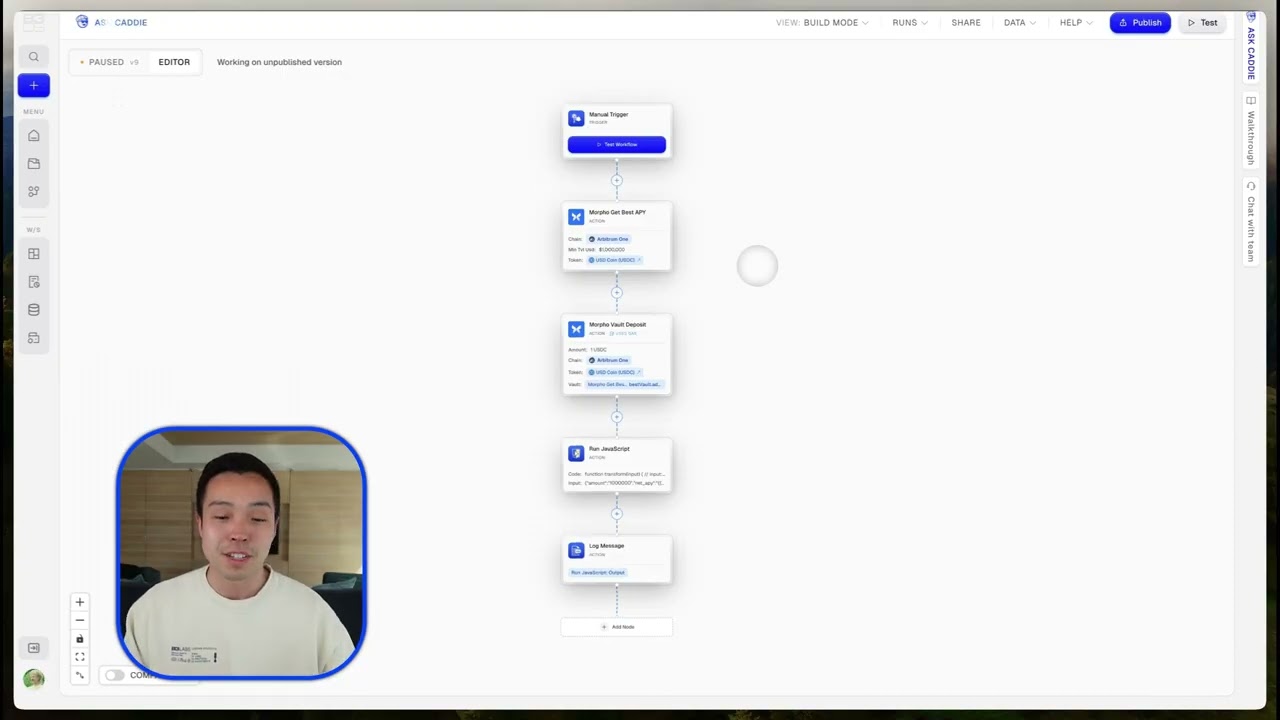
Automating DeFi Yield: How to Auto-Deposit USDC into Morpho Vaults
Streamline your DeFi strategy by automating USDC deposits into Morpho vaults. Discover how B3OS, ZeroDev, and Arbitrum integrate to manage your yield-seeking workflows.
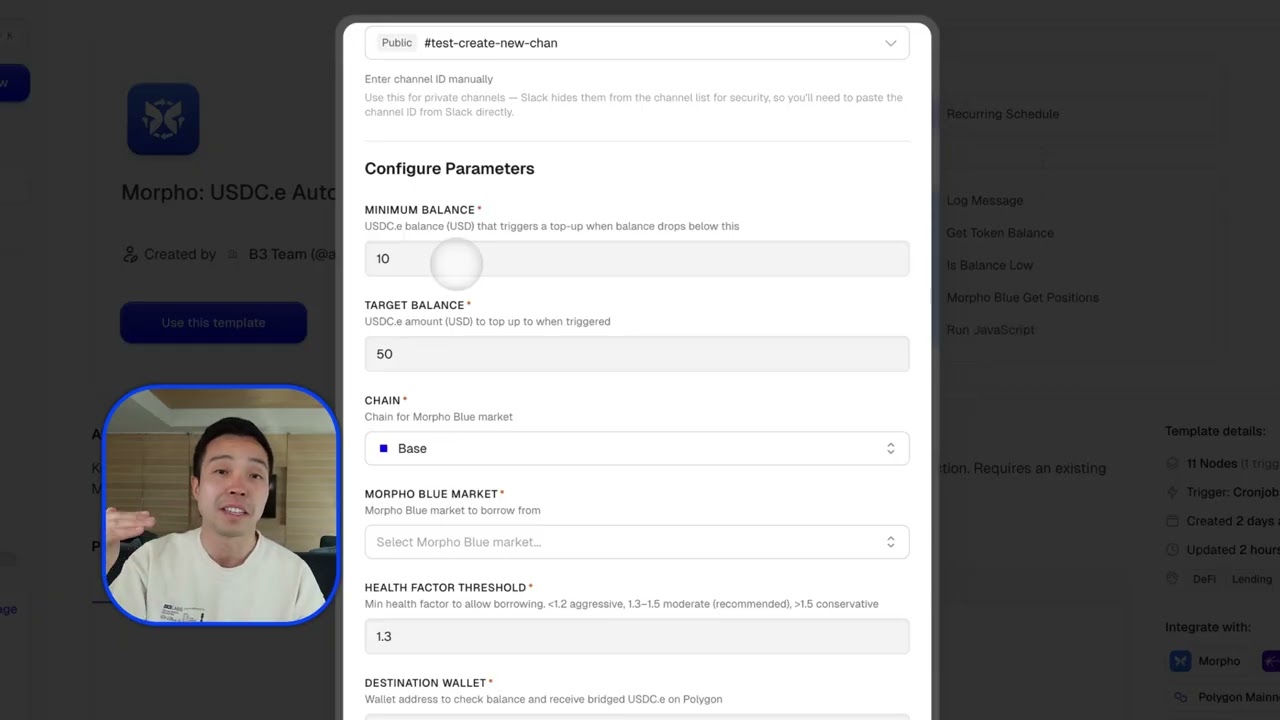
Automate Polymarket USDC Funding with Morpho and B3OS
Never miss a trade on Polymarket again. Discover how to build a B3OS workflow that automatically borrows USDC against your Morpho CBBTC position when your wallet balance dips.

How to Automate Dust Token Sweeping with B3OS
Tired of small, illiquid tokens cluttering your wallet? Discover how to build a recurring onchain workflow in B3OS to sweep dust tokens into USDC automatically.