
B3OS Walkthrough
Building an Onchain Savings Strategy: Automating Round-Ups on Arbitrum
Turn every onchain transaction into a savings opportunity. Discover how to use B3OS to automate USDC round-ups and Bitcoin accumulation on Arbitrum.
Matched Template
Start with Arbitrum: Crypto Savings Account.
This tutorial maps directly to a real B3OS template. Open it to inspect the workflow canvas, node sequence, and integration path before adapting it to your own process.
Financial discipline is difficult to maintain manually, especially in the fast-paced world of onchain finance. By leveraging B3OS, builders can now create automated 'round-up' savings workflows similar to traditional fintech apps, but executed entirely onchain. This guide explores how to utilize the Arbitrum ecosystem to sweep spare USDC from your wallet and convert it into wrapped Bitcoin, effectively stacking sats with every transaction.
Watch the original B3OS video tutorial on YouTube.
What you will learn
- Automate micro-investing by rounding up USDC transactions on Arbitrum.
- Use B3OS to define thresholds that prevent spam transactions from triggering your savings flow.
- Integrate ZeroDev smart wallets to enable gasless conversions for your savings pot.
- Set custom accumulation targets to control how often your spare change is converted to Bitcoin.
- B3OS provides the infrastructure to monitor and publish these workflows without writing custom smart contract code.
The Concept of Onchain Round-Ups
The core idea behind an onchain savings workflow is to treat every transaction as a trigger for a micro-investment. By monitoring your wallet for incoming USDC transactions, you can programmatically calculate the 'spare change'—the difference between the transaction amount and the nearest whole dollar—and move that value into a dedicated savings pot.
This approach removes the emotional friction of manual investing. Once the accumulated spare change in your savings pot reaches a predefined threshold, such as $10, the B3OS workflow triggers a conversion into wrapped Bitcoin, allowing for consistent, automated asset accumulation.
Designing the Workflow Logic
To build this in B3OS, you start by defining the trigger: a wallet event watching for USDC activity. The workflow logic must include a filter to ignore dust transactions—typically those under $1—to ensure that spam or negligible transfers do not trigger unnecessary calculations or gas usage.
The workflow then calculates the remainder of the transaction. By setting a specific threshold for the savings pot, you control the frequency of your Bitcoin conversions. This allows you to balance gas efficiency with the regularity of your savings strategy.
Leveraging Smart Wallets for Gasless Execution
A critical component of this automation is the use of account abstraction, specifically through ZeroDev smart wallets. By integrating a smart wallet, you can enable gasless transactions for the conversion steps within your workflow.
This is essential for micro-savings strategies. Without gasless execution, the cost of moving small amounts of capital could quickly outweigh the value of the savings themselves. Smart wallets allow the workflow to execute these automated swaps seamlessly without requiring manual signing for every individual step.
Configuring Your Arbitrum Savings Pot
When configuring your workflow in B3OS, you specify the target token (wrapped Bitcoin) and the source token (USDC). Because B3OS operates across the Arbitrum stack, these workflows can be published and monitored in real-time, providing visibility into your savings history and total accumulated assets.
The flexibility of the platform allows you to adjust your round-up threshold at any time. Whether you want to round up to the nearest dollar or a higher increment, the workflow adapts to your personal financial preferences.
Workflow ideas to try in B3OS
- Automated Dollar Cost Averaging (DCA)Trigger a recurring swap of a fixed amount of USDC to Bitcoin whenever a specific wallet balance threshold is met.
- Transaction-Based Savings AlertsSend a notification to your preferred messaging channel every time a round-up event is triggered and a conversion occurs.
- Multi-Asset DiversificationInstead of just Bitcoin, configure your B3OS workflow to split your round-up savings across multiple assets in a predefined portfolio ratio.
Frequently asked questions
Do I need to write code to build this savings workflow?
No, B3OS is a no-code platform designed to help you build and deploy workflows using a visual interface.
Can I use this workflow on chains other than Arbitrum?
B3OS is built to support multiple chains, though specific templates may be optimized for the Arbitrum ecosystem.
How do I avoid high gas fees for small savings amounts?
The workflow utilizes ZeroDev smart wallets, which enable gasless transactions for the automated conversion steps.
Can I ignore small 'dust' transactions?
Yes, you can configure your B3OS workflow to filter out transactions below a specific dollar amount to avoid unnecessary triggers.
Related Templates
Start from a workflow instead of a blank canvas.

Acorns for Your Spare Crypto
Acorns for your crypto wallet on Base.
Polymarket: BTC News Trader
Monitors a curated list of top crypto Twitter/X accounts for breaking BTC news, uses an AI model to classify each tweet as bullish/bearish with a confidence score, then auto-bets on the next Polymarket "Bitcoin Up or Down" market when the AI is confident enough.

Wallet: Privately Fund a New Wallet with Anonymous ETH
Funds a fresh wallet with gas in ETH) on any chain (default:Base) without leaving an onchain link back to your source wallet.
Payments: Bulk Pay Crypto to a List of Wallets
This workflow runs payment from a Google Sheet.

Polymarket: Copy Trade a User
This workflow allows you copy trade any Polymarket user without needing a Polymarket account.
Daily Portfolio Sentiment Recap
This workflow monitors the assets in your wallet, identified the top-performing tokens and then scans Twitter for any breaking/interesting news regarding those tokens.
Trading: Recurring Cross-Chain Swaps to Any Wallet
Swaps tokens across chains on a schedule you set.
Whale Token Transfer Alert
This workflow watches Ethereum for whale-sized stablecoin transfers.

Talk to one of our founders.
Bring any onchain process you want automated, our founders will help map where B3OS can take over.
Related Tutorials
Keep building from the next walkthrough.
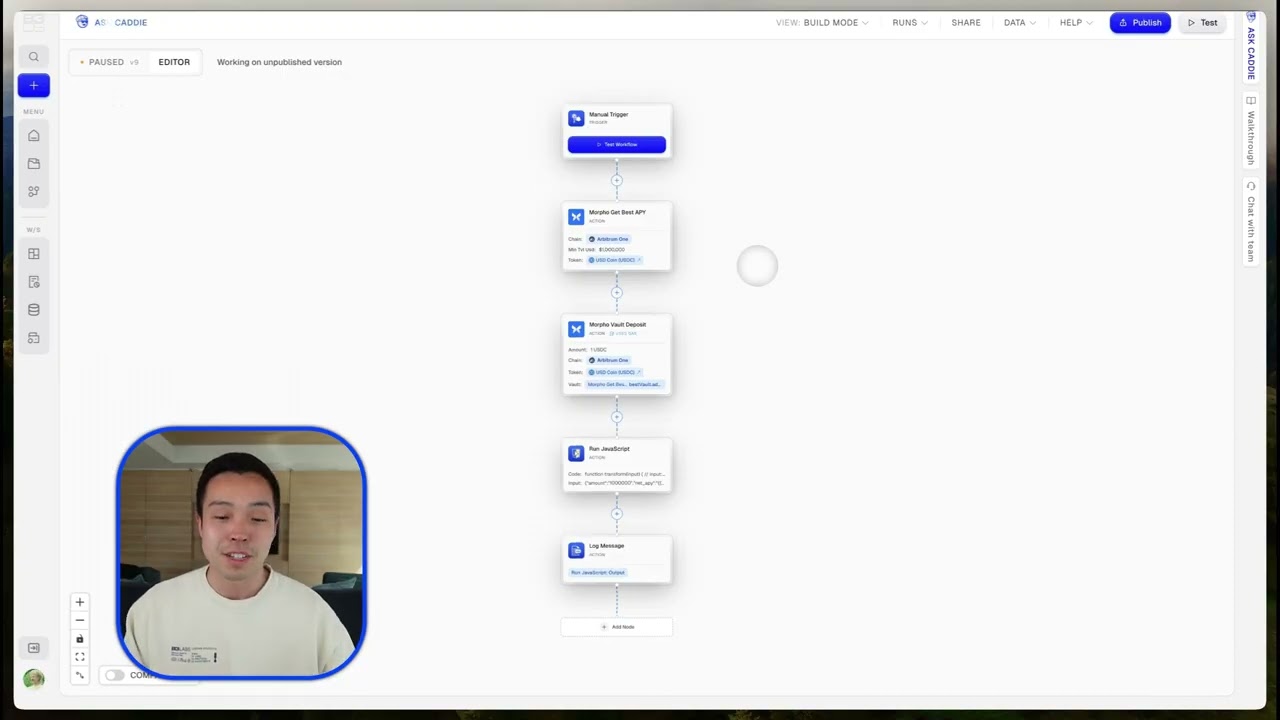
Automating DeFi Yield: How to Auto-Deposit USDC into Morpho Vaults
Streamline your DeFi strategy by automating USDC deposits into Morpho vaults. Discover how B3OS, ZeroDev, and Arbitrum integrate to manage your yield-seeking workflows.
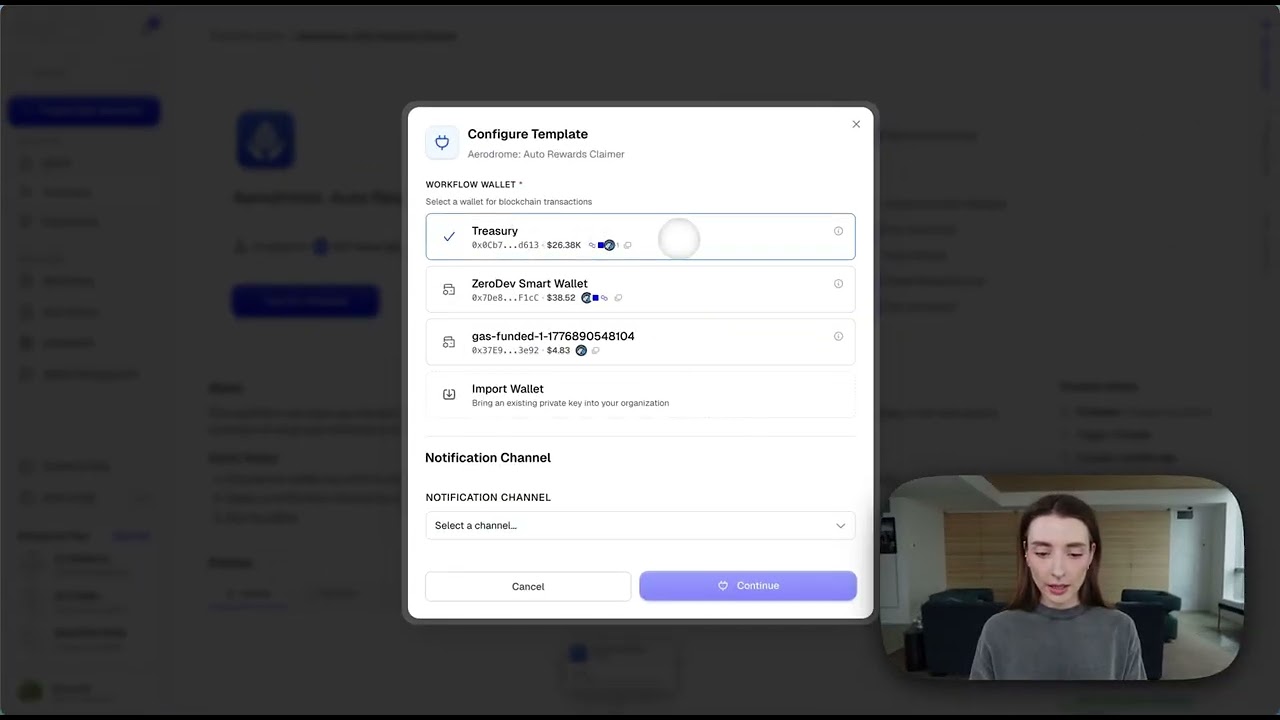
Automating Aerodrome LP Rewards with B3OS
Stop missing out on your Aerodrome emissions and rebases. Learn how to use B3OS to build an evergreen workflow that claims your LP rewards on a schedule you control.
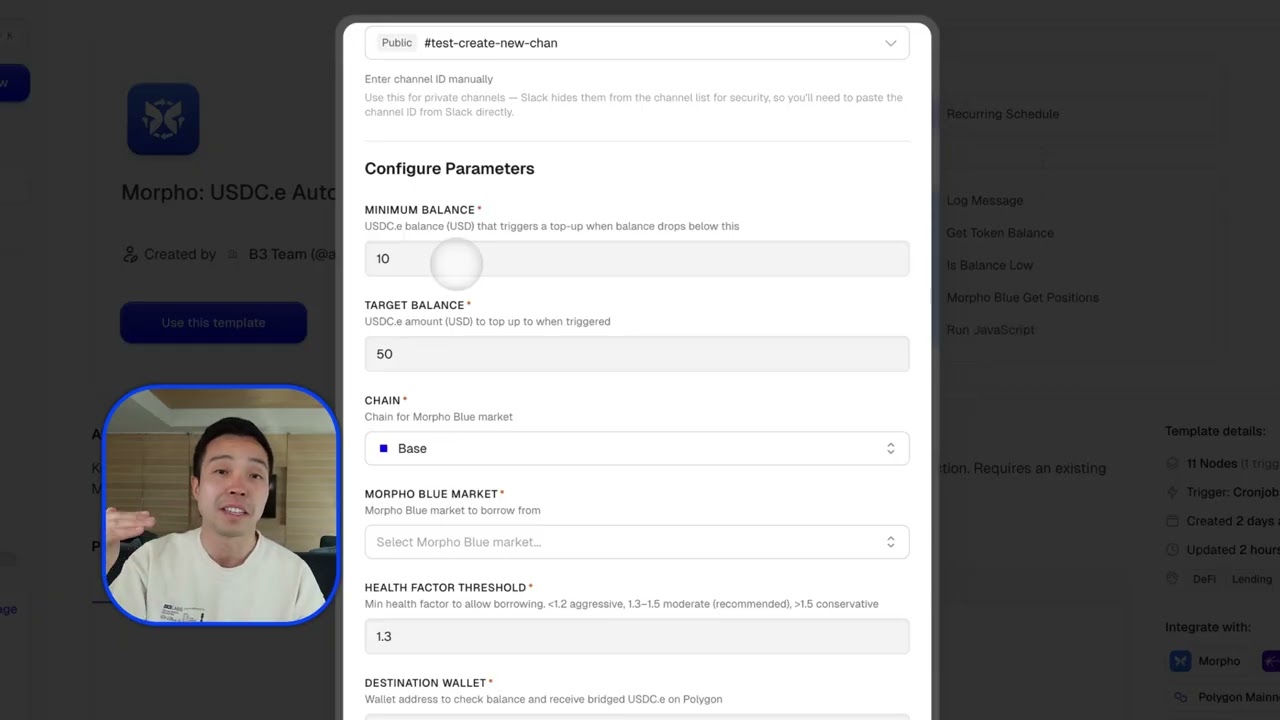
Automate Polymarket USDC Funding with Morpho and B3OS
Never miss a trade on Polymarket again. Discover how to build a B3OS workflow that automatically borrows USDC against your Morpho CBBTC position when your wallet balance dips.